Getting Started: Chrome Extension
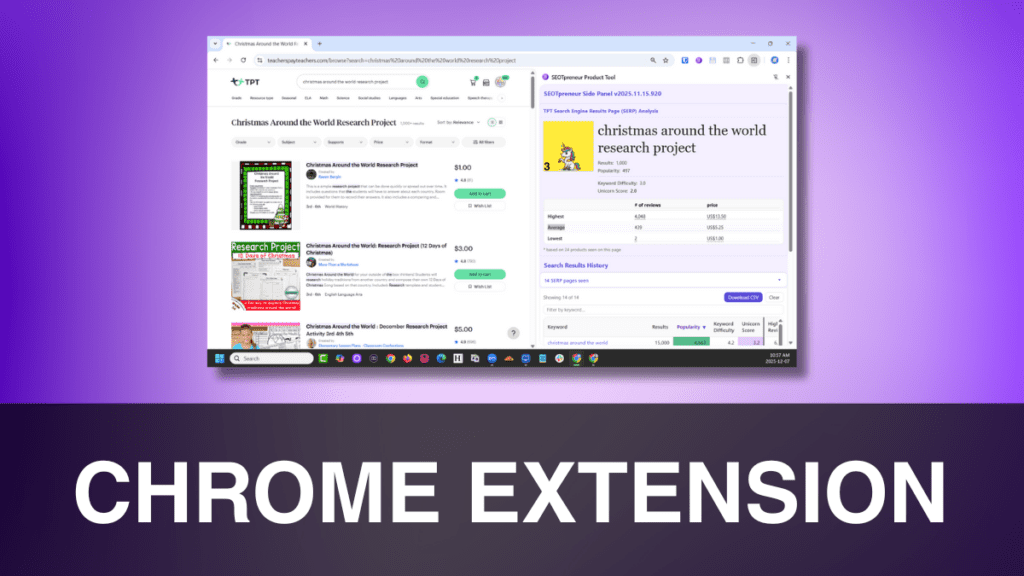
Course Content
Lesson 1. Setting up the Chrome Extension
You don't currently have access to this content
5 Topics
1.1 How to get the Chrome Extension
You don't currently have access to this content
1.2 How to add the extension to your Chrome browser
You don't currently have access to this content
1.3 How to create a profile in your Chrome browser (optional)
You don't currently have access to this content
1.4 How to pin the Chrome Extension so you always see it
You don't currently have access to this content
1.5 How to get the latest version!
You don't currently have access to this content
Lesson 2. Getting around the Chrome Extension
You don't currently have access to this content
2 Topics
2.1 How to log in
You don't currently have access to this content
2.2 How to use the side panel
You don't currently have access to this content
Lesson 3. Using the Chrome Extension to find Keyword Search Volume
You don't currently have access to this content
5 Topics
3.1 How to see current popularity of different keywords
You don't currently have access to this content
3.2 How to see current popularity of specific words
You don't currently have access to this content
3.3 Download your search volume
You don't currently have access to this content
3.4 How to clear your keywords
You don't currently have access to this content
3.5 Troubleshooting: the keywords aren’t showing up in the side panel
You don't currently have access to this content
Lesson 4. Using the Chrome Extension to find the Unicorn Score
You don't currently have access to this content
3 Topics
4.1 How to see the unicorn score for a specific search term
You don't currently have access to this content
4.2 How to find the best / worst products on page 1
You don't currently have access to this content
4.3 How to compare search result pages
You don't currently have access to this content
Lesson 5. Using the Chrome Extension to track product changes
You don't currently have access to this content
3 Topics
5.1 How to track changes to your product
You don't currently have access to this content
5.2 How to see changes you’ve made on a product
You don't currently have access to this content
5.3 How the tracking system works
You don't currently have access to this content
The component that I use the most is tracking changes made to my TPT store’s snippet and product description. This allows me to track my data before and after the change. If my product views go down, I can easily restore the previous wording. I no longer have to keep detail notes or screen shots.
The Search results and keyword history, I use more when I am seeking inspiration. I will see what teachers are currently searching.